JavaScript is a programming language that is commonly used to add interactivity and other dynamic features to websites. It can run on the client side (in a web browser) or on the server side (using Node.js). It is often used in conjunction with HTML and CSS to create complex web pages and web applications.
EXAMPLE 1
<!DOCTYPE html>
<html>
<head>
<title>Hello World in JavaScript</title>
</head>
<body>
<script type=”text/javascript”> document.write(“Hello World “);
</script>
</body>
</html>
EXAMPLE 2
<!DOCTYPE html>
<html>
<body>
<p id=”eg”></p>
<script type=”text/javascript”>
document.getElementById(“eg”).innerHTML = “Hello world”;
</script>
</body>
</html>
EXAMPLE 3
<!DOCTYPE html>
<html>
<head>
<title>Example User Interaction Functions</title>
</head>
<body>
<script type=”text/javascript”> document.write(“example of alert, confirm and prompt functions :”); alert(“thanks for visiting my site.”);
confirm (” do you want to delete the file “); prompt (” enter your name: “);
</script>
</body>
</html>
EXAMPLE 4
<!DOCTYPE html>
<html>
<head>
<title>Example of Comments </title>
</head>
<body>
<script type=”text/javascript”>
document.write(” Single line comments “); / This is an exmple of single line comment
document.write(“<BR>”);
document.write(“Multi line comments “); /* This is an exmple of multi line comment
</script>
</body>
</html>
EXAMPLE 5
<!DOCTYPE html>
<html>
<head> <title>Example of Variables </title>
</head>
<body>
<script language=”javascript” type=”text/javascript”>
var x=100;
document.write(” The value of x =”+x)
</script>
</body>
</html>
EXAMPLE 6
<!DOCTYPE html>
<html>
<body>
<script type=”text/javascript”>
var a = 25;
var b=10;
var result; document.write(<< a=25 <BR> b = 10 «); result=a+b;
document.write(” <BR> a + b = “+result); result-a-b;
document.write(” <BR> a- b = “+result); result=a*b;
document.write(” <BR> a * b = “+result);
result=a/b;
document.write(” <BR> a/b = “+result);
result=a%b;
document.write(” <BR> a % b = “+result);
a++;
document.write(” <BR> Example of a++ = “+a);
b–;
document.write(” <BR> Example of b– = “+b);
</script>
</body>
</html>
EXAMPLE 7
<!DOCTYPE html>
< html >
<body>
<p>Examples of Comparation Operators <p> <script type=”text/javascript”>
var a = 1 ;
var b = 2
document.write(” a = 1 < br > b =2^ prime prime ;
document.write(” < br > a <b:” ;
document.write (a < b)
document.write (*< br > a <= b(s) ;
document.write (a <= b) ;
document.write(<< < br > a >b:>)
document.write (a > b) ;
document.write(« < br > a >= b a >=b:>)
document.write(a>=b);
document.write(« <br> a==b :>>);
document.write(a==b);
document.write(<< <br> a!=b :>>); document.write(a!=b);
</script>
</body>
</html>
EXAMPLE 8
<!DOCTYPE html>
<html>
<body> <p>Example of Logical Operators</p>
<script type=”text/javascript”>
var a = true;
var b= false;
document.write(“<br>a=true <br>b=false: “);
document.write(” <br>a && b: “);
document.write(a&&b);
document.write(<« <br>a || b: «);
document.write(a||b);
document.write(<< <br> !a : <<);
document.write(!a);
document.write(«< <br> !b : «);
document.write(!b);
</script>
</body>
</html>
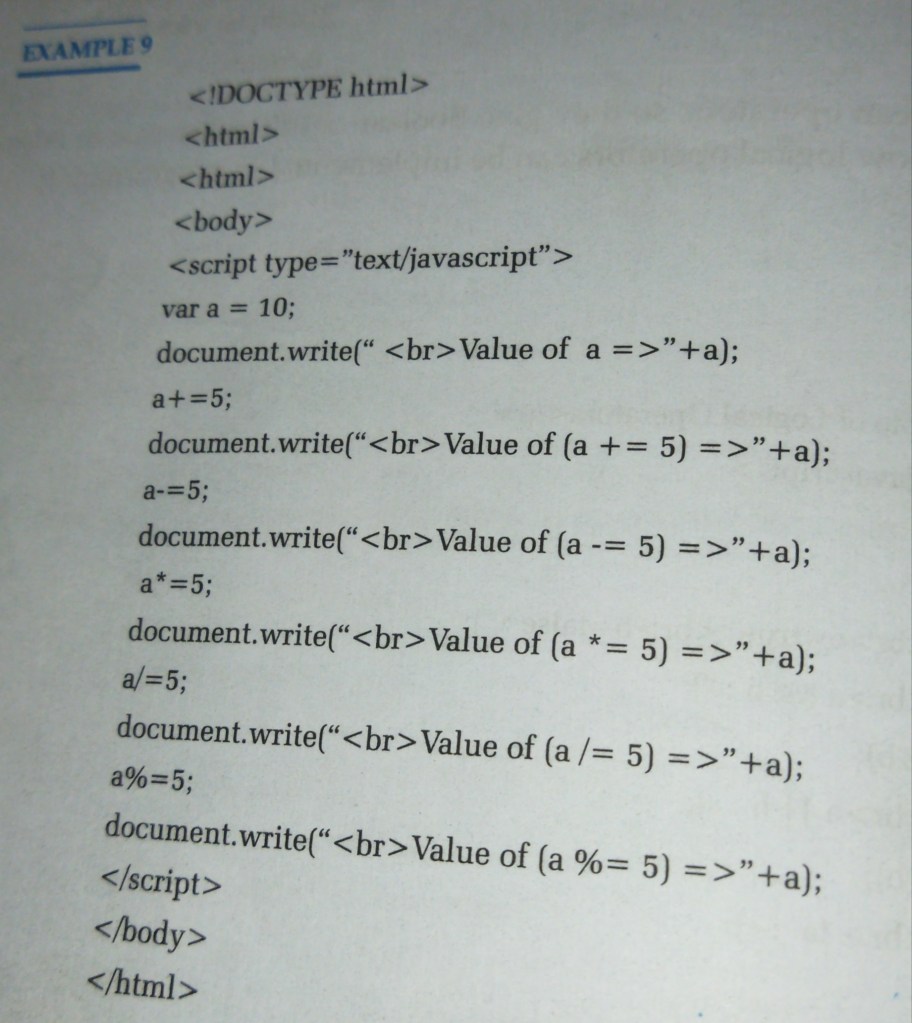
EXAMPLE 9
<!DOCTYPE html>
<html>
<html>
<body>
<script type=”text/javascript”>
var a = 10;
document.write(“<br>Value of a =>”+a);
a+=5;
document.write(“<br>Value of (a += 5) =>”+a);
a-=5;
document.write(“<br>Value of (a -= 5)=>”+a);
a*=5;
document.write(“<br>Value of (a *= 5) =>”+a);
a/=5;
document.write(“<br>Value of (a /= 5) =>”+a);
a%=5;
document.write(“<br>Value of (a %= 5) =>”+a);
</script>
</body>
</html>
EXAMPLE 10
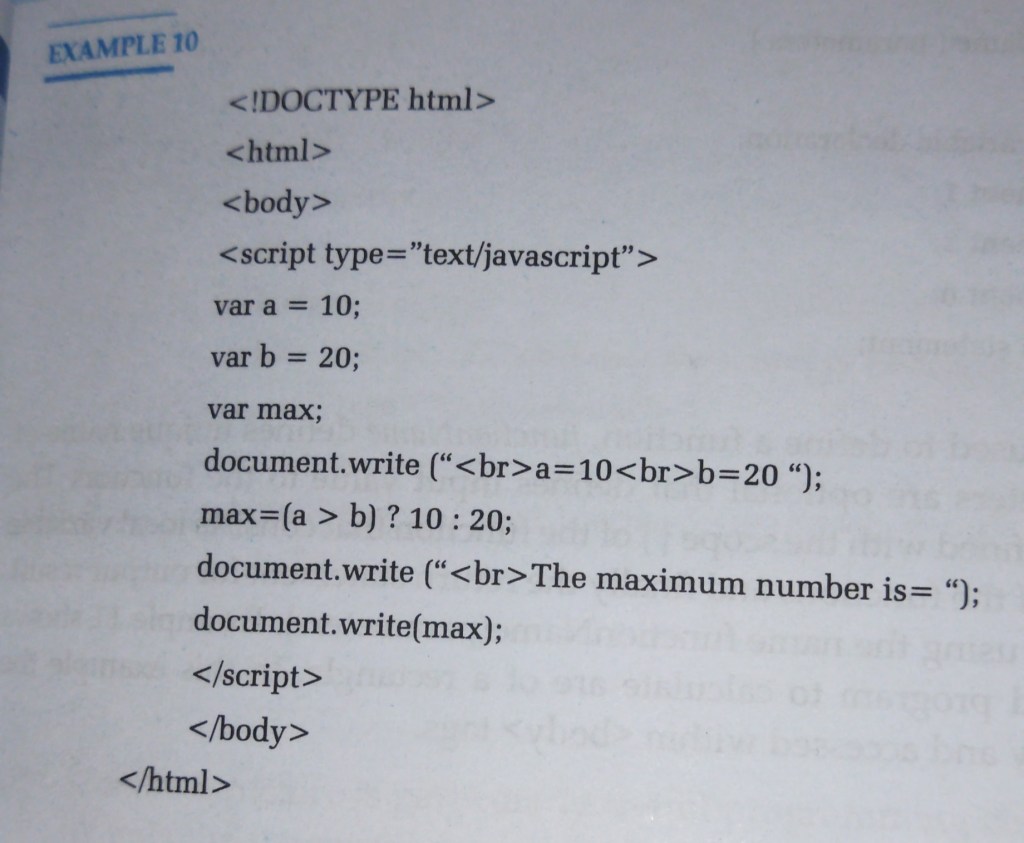
<!DOCTYPE html>
<html>
<body>
<script type=”text/javascript”>
var a = 10;
var b = 20;
var max;
document.write (“<br>a=10<br>b=20”);
max=(a> b) ? 10:20;
document.write (“<br>The maximum number is= “);
document.write(max);
</script>
</body>
</html>
EXAMPLE 11
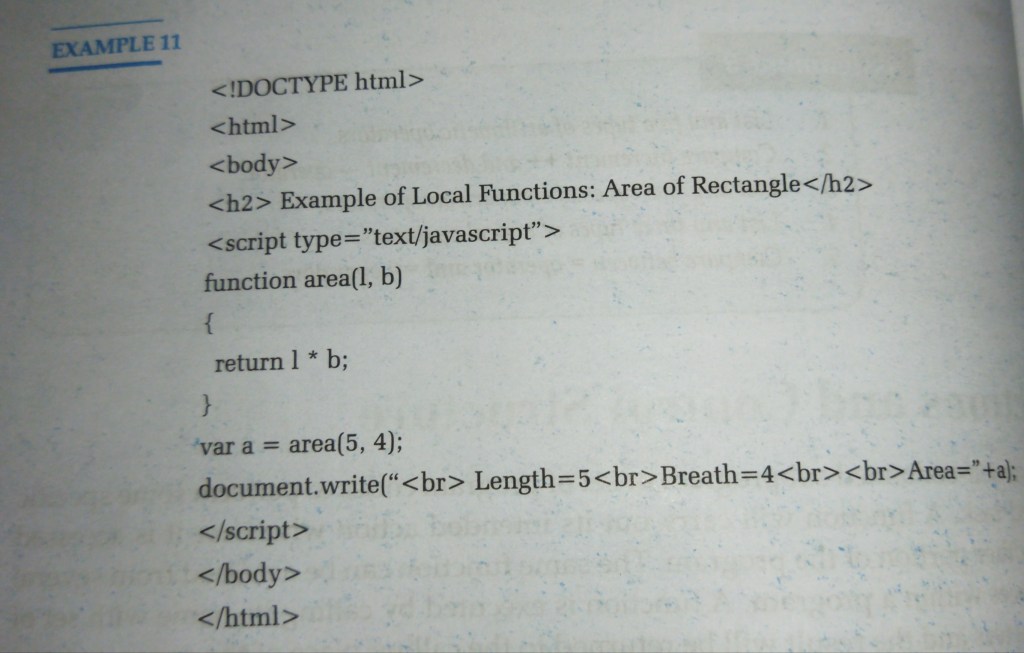
<!DOCTYPE html>
<html>
<body>
<h2> Example of Local Functions: Area of Rectangle</h2>
<script type=”text/javascript”>
function area(1, b)
{
return 1 * b;
}
var a = area(5, 4);
document.write(“<br> Length=5<br>Breath=4<br><br>Area=”+a);
</script>
</body>
</html>
EXAMPLE 12
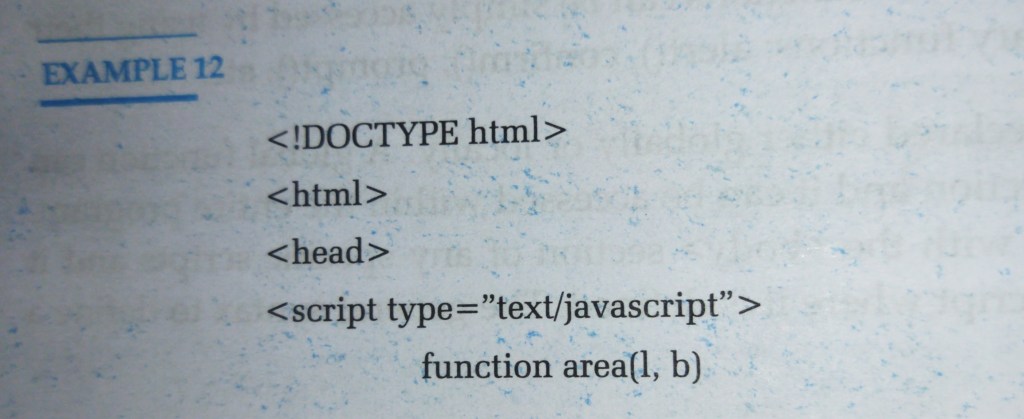
<!DOCTYPE html>
<html>
<head>
<script type=”text/javascript”>
function area(l, b) { return 1 * b;
}
</script>
</head>
<body>
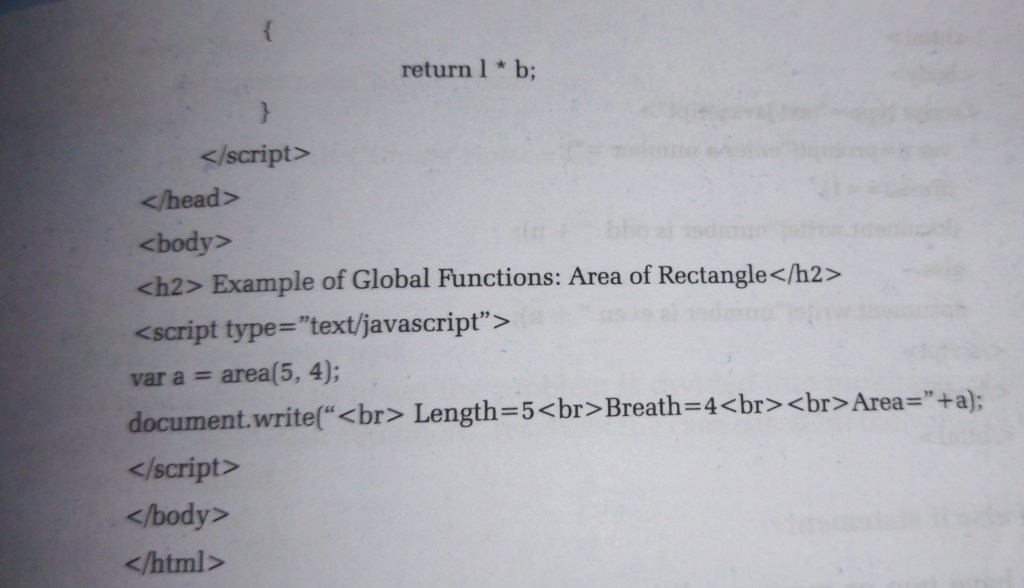
<h2> Example of Global Functions: Area of Rectangle</h2>
<script type=”text/javascript”>
var a=
area(5, 4);
document.write(“<br> Length=5<br>Breath=4<br><br>Area=”+a);
</script>
</body>
</html>
EXAMPLE 13
<!DOCTYPE html>
<html>
<body>
<script type=”text/javascript”>
var n=prompt(“enter a number =”);
if(n%2==1)
document.write(“number is odd 66 + n);
else
document.write(“number is even 66 + n);
</script>
</body>
</html>


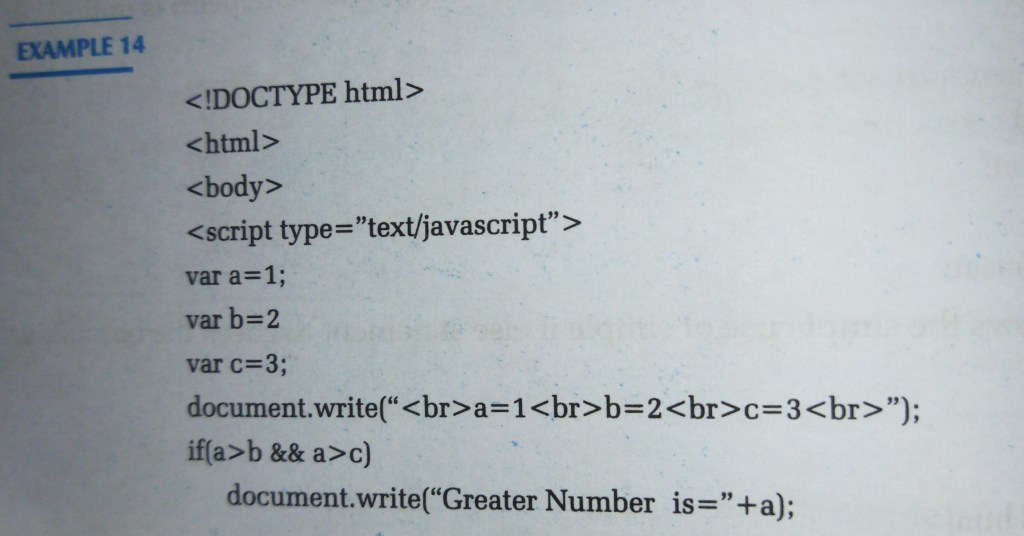
EXAMPLE 14
<!DOCTYPE html>
<html>
<body>
<script type=”text/javascript”>
var a=1;
var b=2
var c=3;
document.write(“<br>a=1<br>b=2<br>c=3<br>”);
if(a>b && a>c)
document.write(“Greater Number is=”+a);
else if (b>c)
document.write(“Greater Number is=”+b);
else
document.write(“Greater Number is=”+c);
</script>
</body>
</html>

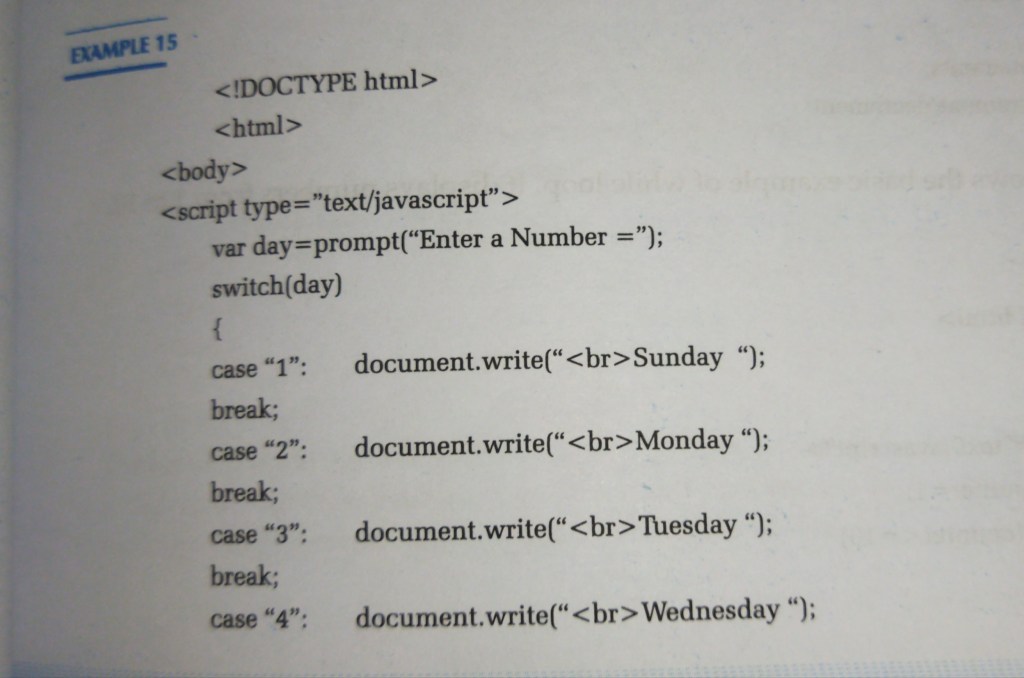
EXAMPLE 15
<!DOCTYPE html>
<html>
<body>
<script type=”text/javascript”> var day prompt(“Enter a Number =”); switch(day)
{
case “1”:document.write(“<br>Sunday “);
break;
case “2”:document.write(“<br>Monday “);
break;
case “3”:document.write(“<br>Tuesday “);
break;
case “4”:document.write(“<br>Wednesday “);
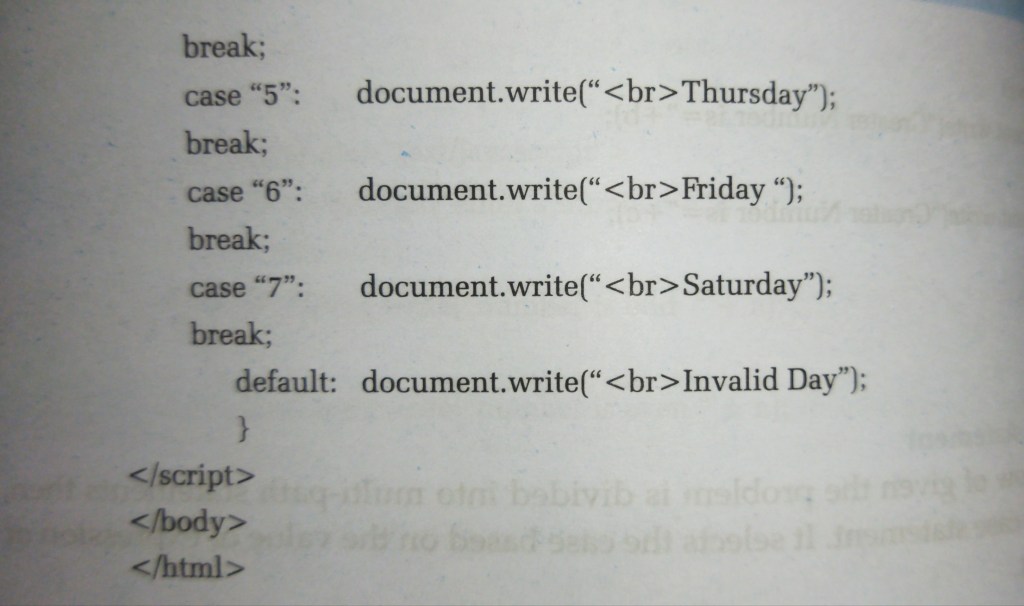
break;
case “5”:document.write(“<br>Thursday”);
break;
case “6”:document.write(“<br>Friday “);
break;
case “7”:document.write(“<br>Saturday”);
break;
default: document.write(“<br>Invalid Day”);
}
</script>
</body>
</html>
EXAMPLE 18
<!DOCTYPE html>
<html>
<body>
<script type=”text/javascript”> var count=1;
var f=1;
var i,n;
n=prompt(“Enter a number to calculate =”)
for(i=1;i<=n;i++)
f=f*i;
document.write(“<br>The factorial is =”+f);
</script>
</body>
</html>
EXAMPLE 16
<!DOCTYPE html>
<html>
<body>
<script type=”text/javascript”> var counter=1;
while(counter<=10)
{
document.write(“<br>”+counter);
counter++;
}
</script>
</body>
</html>
EXAMPLE 17
<!DOCTYPE html>
<html>
<body>
<script type=”text/javascript”>
var count=1;
var m;
do
{
m=count*5
document.write(“<br>”+m);
count++;
while(count<=10);
</script>
</body>
</html>
EXAMPLE 19
<!DOCTYPE html>
<html>
<body>
<h2>JavaScript Object</h2>
<script type=”text/javascript”>
var car = {
make: “Toyota”,
model: “RAV4”,
year:2022,
Number:”BA20PA-2020″
};
document.write(car.make+”– “–“+car.model+”–“+car.year+”–“+car.Number);
</script>
</body>
</html>
Example 20
<!DOCTYPE html>
<html>
<body>
<h2>JavaScript Object</h2>
<script>
var car = {
make: “Toyota”,
model: “RAV4”,
year:2022,
number:”BA20PA-2020″,
display: function(){
return this.make+”–“+this.model +”–“+this.year+”–“+this.numbe
}
};
document.write(car.display());
</script>
</body>
</html>
 Programming